

You can find the link to your StickyFolio a few different ways.
1. In the Folios Dashboard (your list of all your folios)
To do this click the Folios Tab.
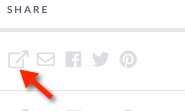
Select the Open in New Window icon Under Share next to the Folio you want to share. This opens the URL in a new browser window. Copy the URL from the browser window.
2. In the Folio it's Self
When you are editing your Folio
You can access the StickyFolios URL in the Settings Panel under Folio URL.
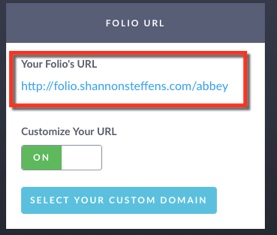
Note: Each time you Publish changes to a StickyFolios website, a small box will pop up with the Folio's URL If you click on the link it will open your Folio in a new browser tab for viewing.