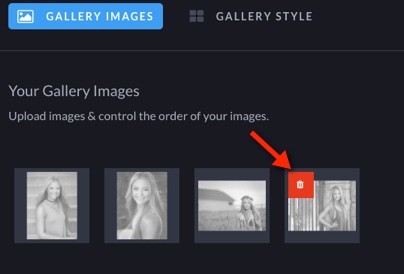
To delete images from a gallery you have two options. You can delete all images at once or delete a single image.
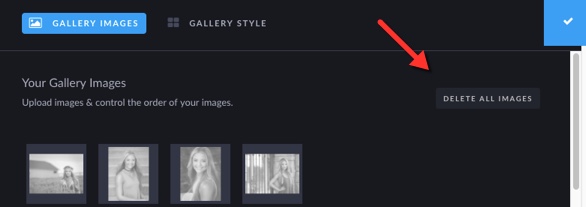
Delete All Images:
Click on the delete all images button - located on the left side of the upload screen.
Delete a single image:
Hover over the image you would like to delete, once the trash can appears click on the orange trash can to remove the image.