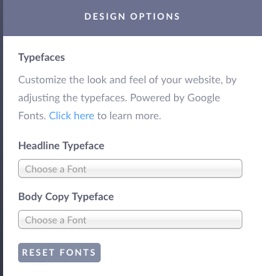
Open the Design Options Panel in Settings. You can update your Headline Typeface (for headlines and subheads) or the Body Copy.
The default fonts used in the default styles are listed below:
Shale: Montserrat
Onyx: Playfair Display
Riverstone: Vollkorn
The fonts supported in StickyFolios are Google Fonts.
We suggest you start by looking through the fonts here - Google Fonts before adding a font to your Folio.
To select a font:
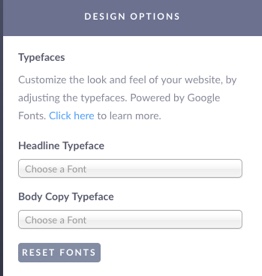
Place the cursor in the search box. This will bring up a Google font drop-down list.
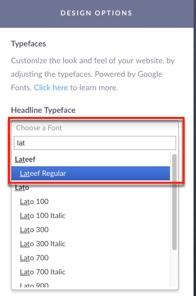
To find a specific font, start typing the font name. This will bring up a font list based upon the letters typed (example: Lato)
Once you see your font (example: Lato 700) select it from the drop-down list.
Once selected, your Fonts will show in the Font Panel.
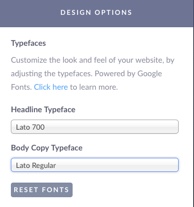
If you would like to use the template default fonts, click Reset Fonts.