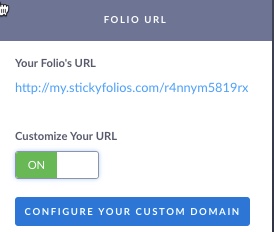
The Folio URL section allows you set up and customize your StickyFolios domain.

When you create your StickyFolios site, StickyFolios automatically assigns a subdomain to the site. This is my.stickyfolios.com followed by a string of characters and numbers.
Example:
my.stickyfolios.com/aDbzcM1r2
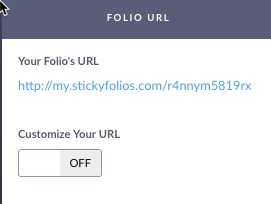
Customize Your URL: This option allows you to use your own URL with a StickyFolios website. To turn on a Custom Domain, click the toggle button to On. Then click the blue Configure Domain Button. This brings up your domain settings. How to Configure Your Domain
If you have not yet set up Custom Domains with your DNS provider to use with StickyFolios here are articles you can use to get started:
Creating a Sub-domain A record