If you would like users to email you with the click of a Button, you can set any Button to automatically open an email program with your self-populated email address.
Note: To work in a traditional web browser the viewer will have to have set up the browser to open mailto links with their email program. The email subject is not supported in all devices.
ProTip: Publish your folio before testing or test the email function on your mobile device.
To create an Email Button
1. Click the Button in the builder you wish to edit
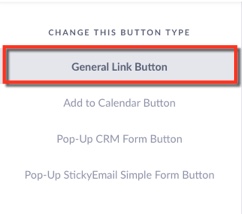
Under Change this Button type Select General Link Button
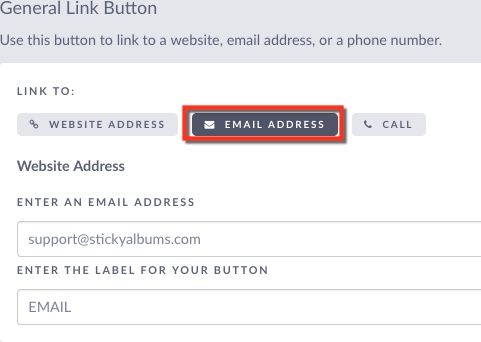
2. Set the Link To Option to Email
Add your email address
Add a label for the button
3. Save changes - Click Save & Close Button